160 years of family business: Our story since 1866

Free UK delivery on orders over £50

MAKE ROOM FOR MORE POSSIBILITIES

More power.
A better setup.

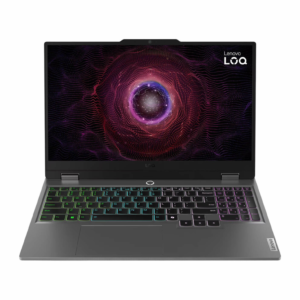
Explore laptops, desktop PCs, monitors and components. Whether you are upgrading your gaming space or choosing a new screen, start with what you need your setup to do.

Get the details right

A few useful checks before you choose.

01

Start with your software

Check the recommended requirements for your games and applications, then compare processor, graphics, memory and storage.

02

Choose your screen

Balance screen size, resolution and refresh rate. Check that your device and cable support the display settings you want.

03

Plan your upgrade

Before choosing a graphics card, check case clearance, power supply, connectors and motherboard compatibility.

MAKE THE MOST OF YOUR TECH

A new view
of your everyday.

Explore monitors for your desk and gaming setup. Compare resolution, refresh rate, connection options and the space you have available.

A little help choosing

The useful details, made simple. Still unsure about a particular product?

Check the recommended requirements of your most demanding apps or games, then allow room for multitasking and future files. Memory and storage are different: RAM supports active work, while storage holds software and files.
Check card dimensions, available slots, power-supply capacity and power connectors against the exact PC specification. Do not assume every desktop can be upgraded in the same way.
The source device, graphics output, cable and monitor input must all support the selected resolution and refresh rate. Check the specifications for the exact connection you plan to use.
Check the product page for its specifications, condition and included accessories. If you need help confirming a detail, contact Birchward Mobile before ordering.

Find your next everyday upgrade.

Explore the computing range at Birchward Mobile.